Upload a photo, pick a top, dress or jacket, and see it on you in seconds. WearTryOn is a free AI clothes changer and outfit changer for virtual try on and outfit swap online: it keeps your face, pose and background and changes only the clothing.
- Free to start, no sign-up
- Private by default
- Clothing-only edits
- Works on phone and desktop
How it works
How to use the AI clothes changer
Three quick steps. No editing skills, nothing to install.
- 01
Add your photo
Upload a clear, front-facing photo, waist-up or full body. Not ready to share a picture? Pick one of our preset models and try the experience without uploading anything.
- 02
Choose the clothing
Select a top, bottom, dress or piece of outerwear from the presets, or upload a product photo from any online store. Want the whole look? Switch to Full outfit and add shoes or a bag as well.
- 03
Generate and compare
Press Change clothes and drag the slider to compare before and after. Save the look to your closet, try another piece, or ask friends which one to buy.
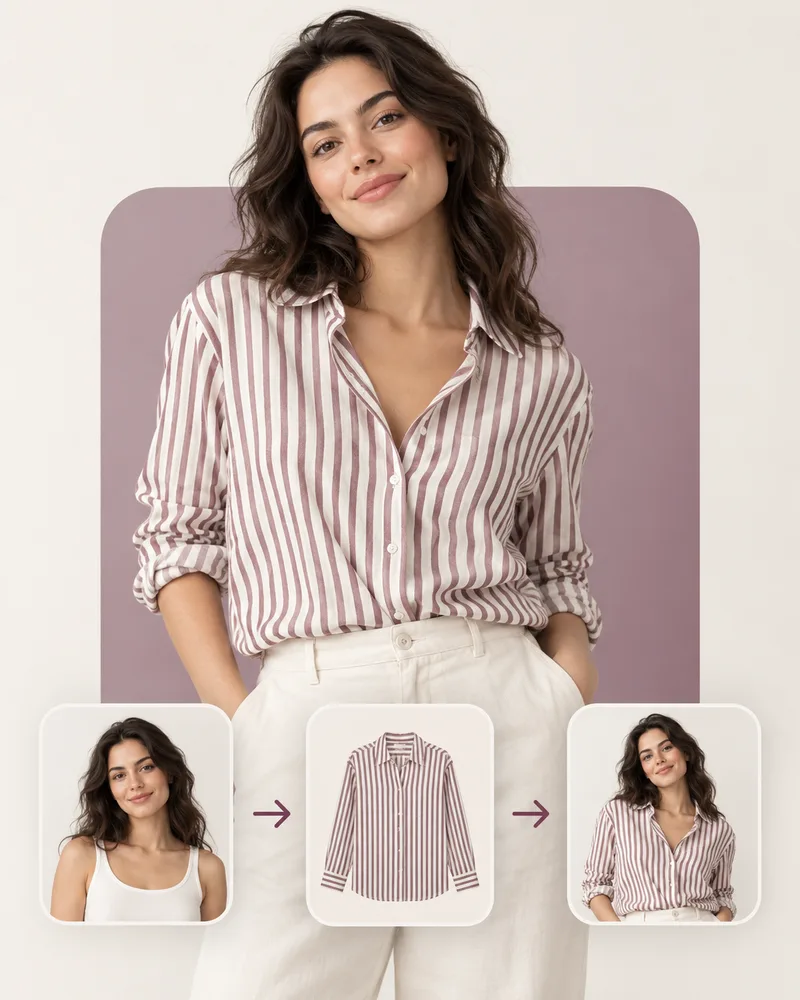
An AI clothes changer that keeps you, you
Most photo edits go wrong at the edges: a new jacket arrives with a new jawline. WearTryOn holds your face, hair, skin tone, pose and background steady and redraws only the garment area you chose. The result is the same photo, wearing something else.
- Face, hair and skin tone stay as they were
- Pose, hands and background are left untouched
- Only the chosen area (top, bottom, dress or outerwear) is replaced
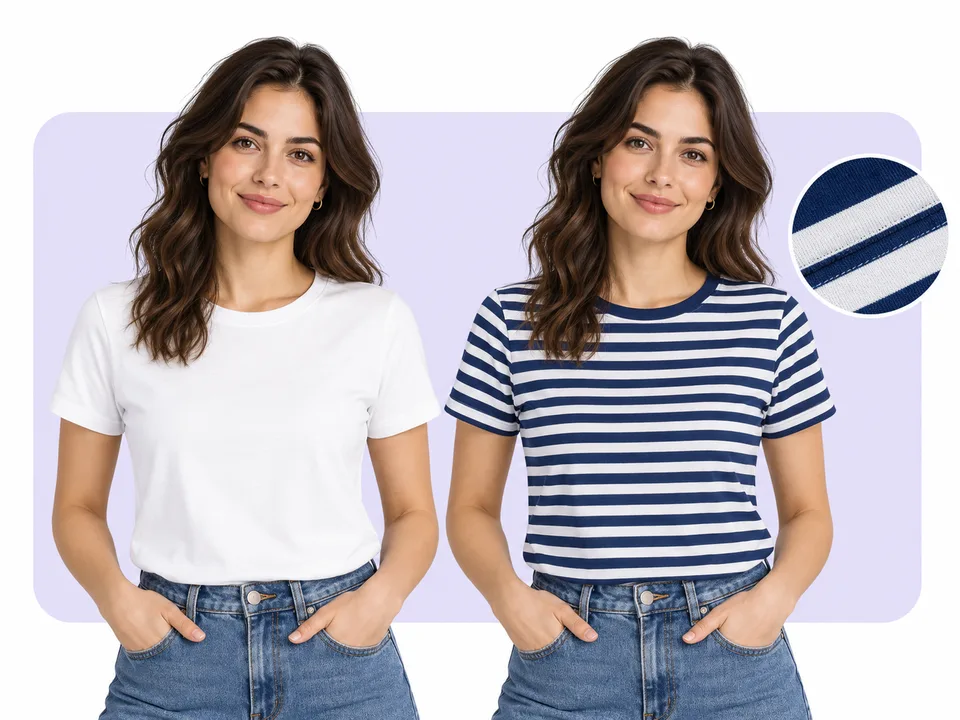
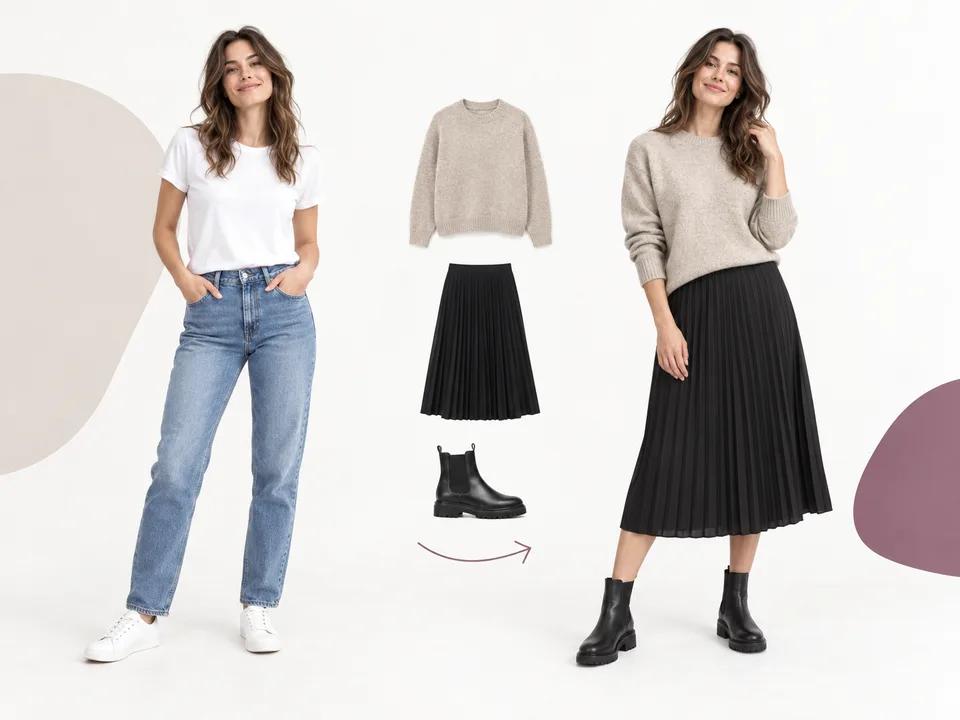
Use it as a full outfit changer
Some decisions are about the whole look, not one piece. Switch to Full outfit and pick up to three pieces at once, such as a top, bottoms and shoes, or a dress with a bag. The outfit changer puts them on you together, so you can judge the colors and proportions as a set.
- Up to three pieces in one go: tops, bottoms, dresses, outerwear, shoes, bags and hats
- Choosing a dress replaces the top and bottoms automatically
- Mix presets with product photos you upload
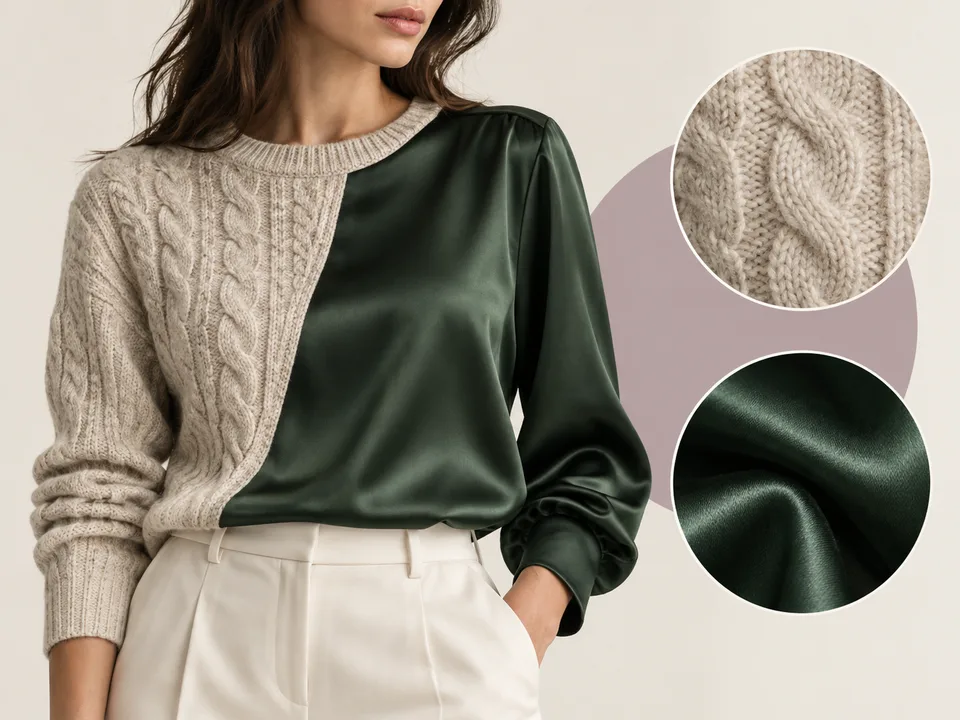
Fabric, fit and light that look real
A knit should look soft, a trench coat should hold its shape, and a satin dress should catch the light. WearTryOn reads the texture, pattern and cut of the garment photo and drapes it with folds and shadows that match the light already in your picture.
- Knits, denim, wool, satin and prints keep their texture
- Standard, relaxed or oversized: see how the same piece sits
- Shadows follow the lighting of your original photo
Try clothes from any store before you buy
Found a jacket on a store page and can’t decide? Save the product image and upload it as the garment. WearTryOn turns that flat product shot into a picture of you wearing it, which is usually all you need to decide whether to order, and in which color.
- Works with plain-background and on-model product photos
- Try several candidates in a row and flip through your history
- Ask friends to vote on a private link before you check out
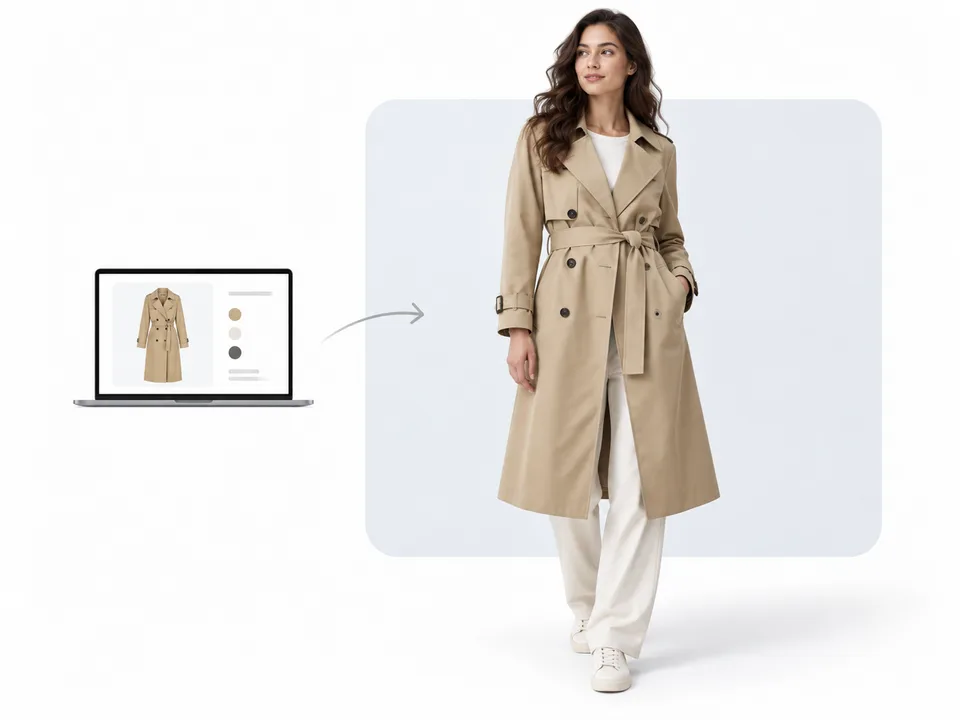
Check whether the color suits you
A good fit in the wrong color still ends up unworn. After each result you can check the garment’s color against your color season with our sister tool, so WearTryOn helps you pick what flatters you, not only what fits.
- One click from a result to a color season check
- See which shades of a piece work with your skin, hair and eyes
- Keep the looks you like in your closet and compare them later
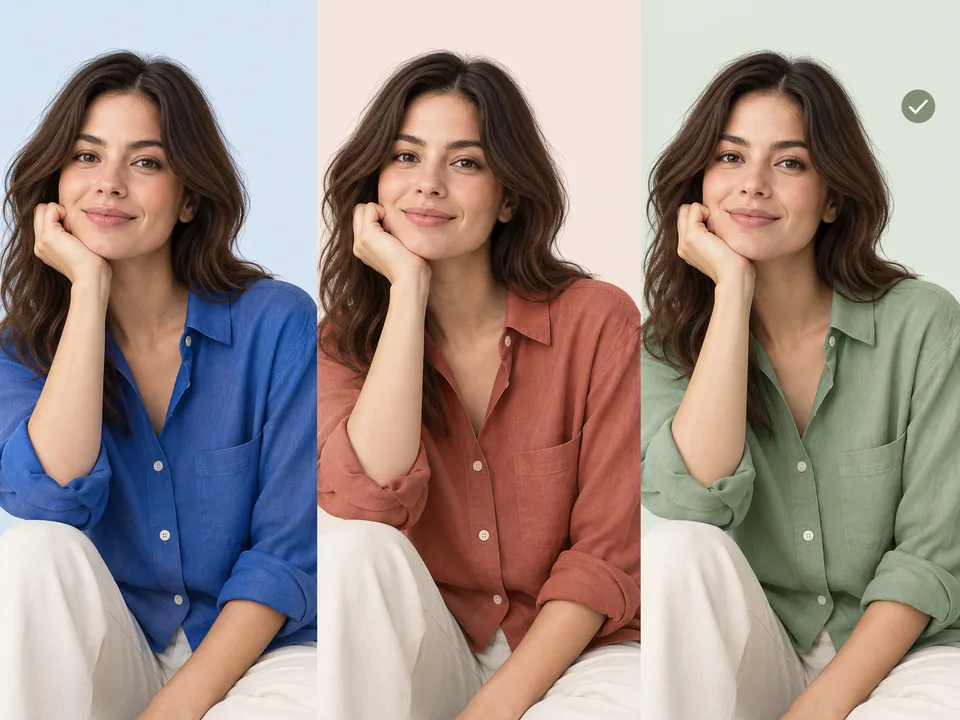
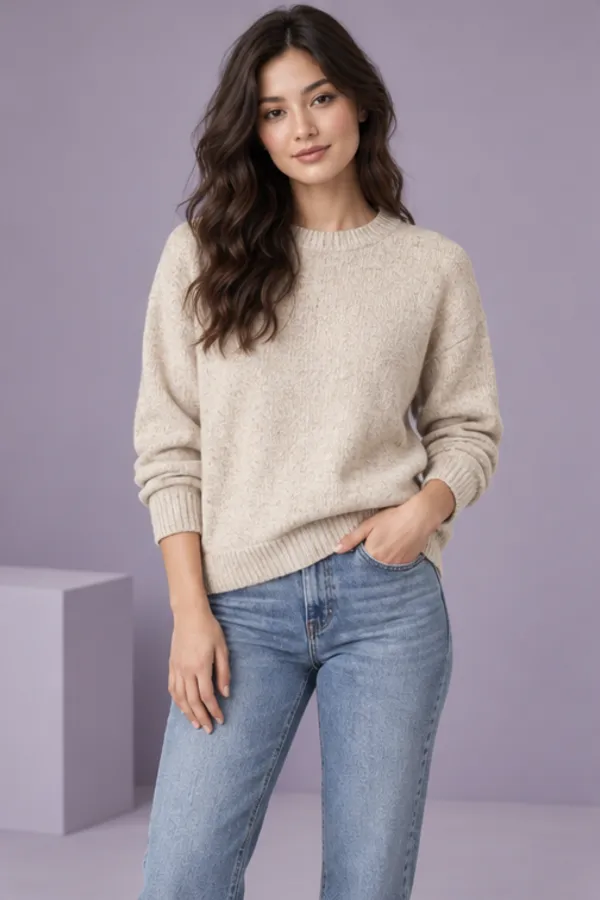
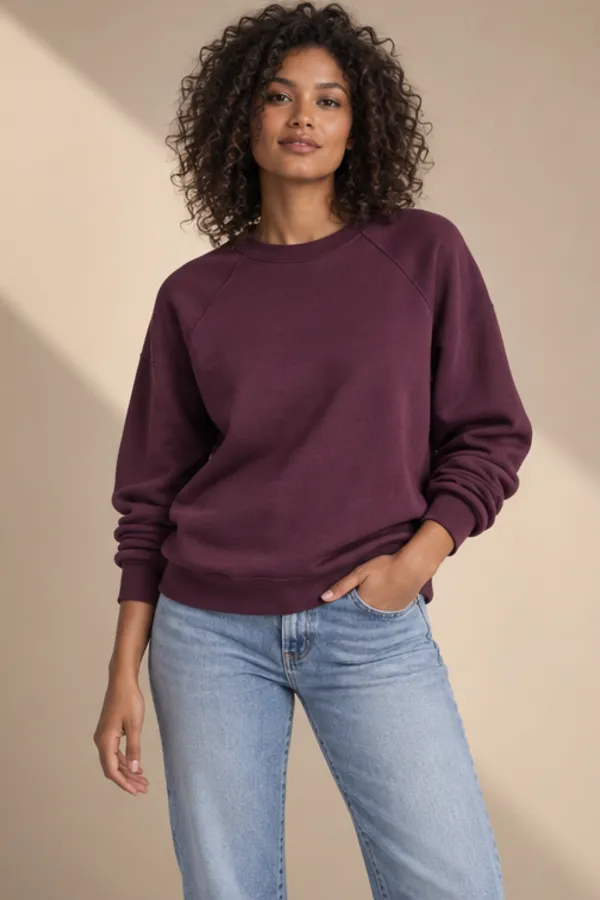
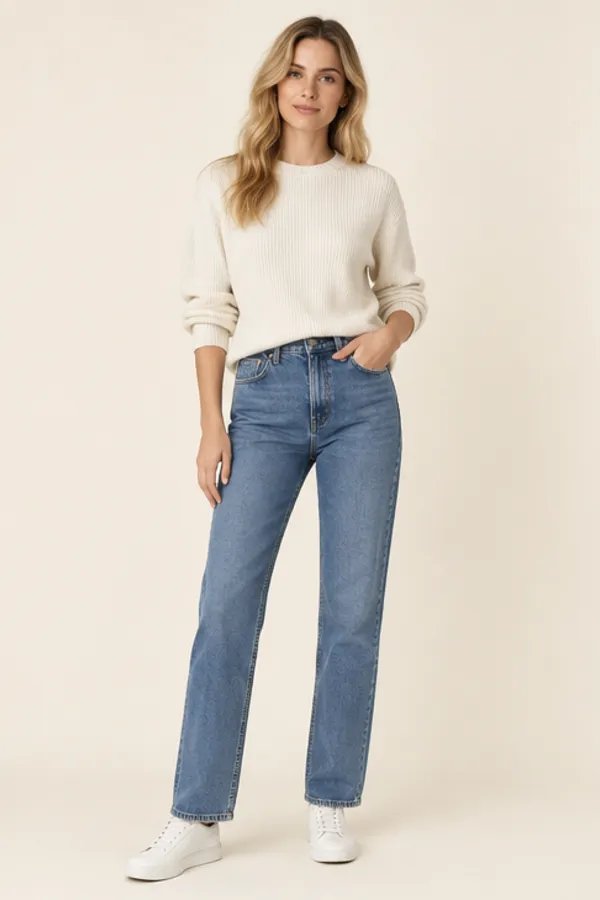
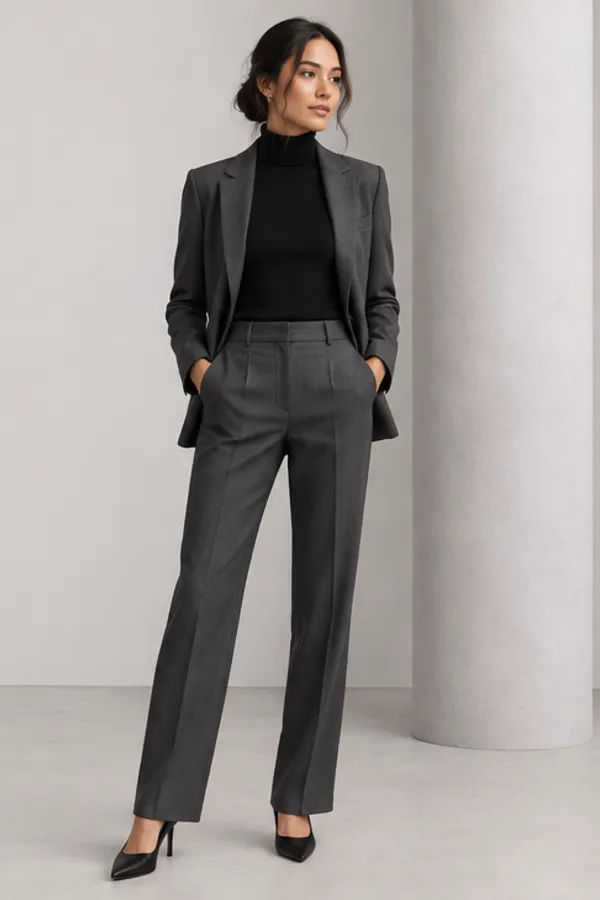
Examples
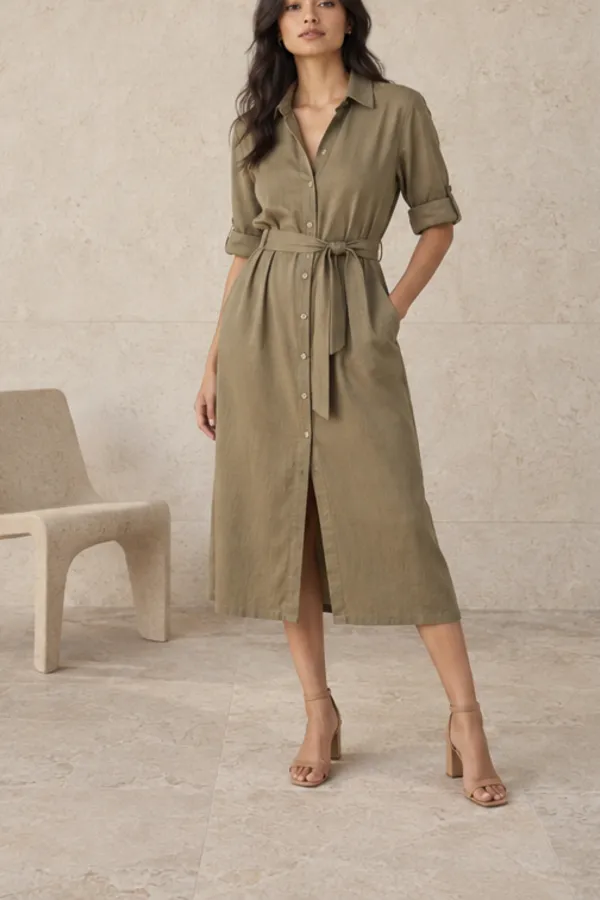
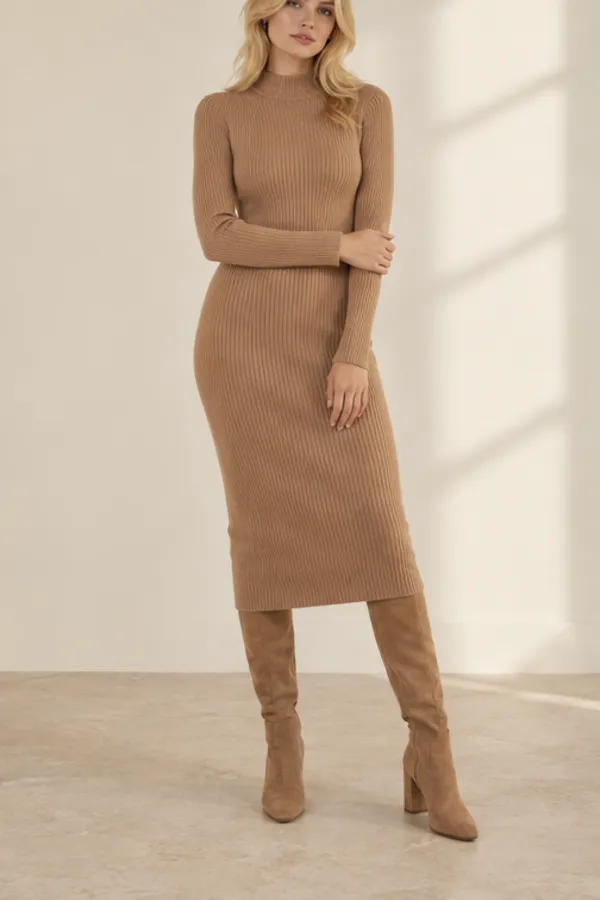
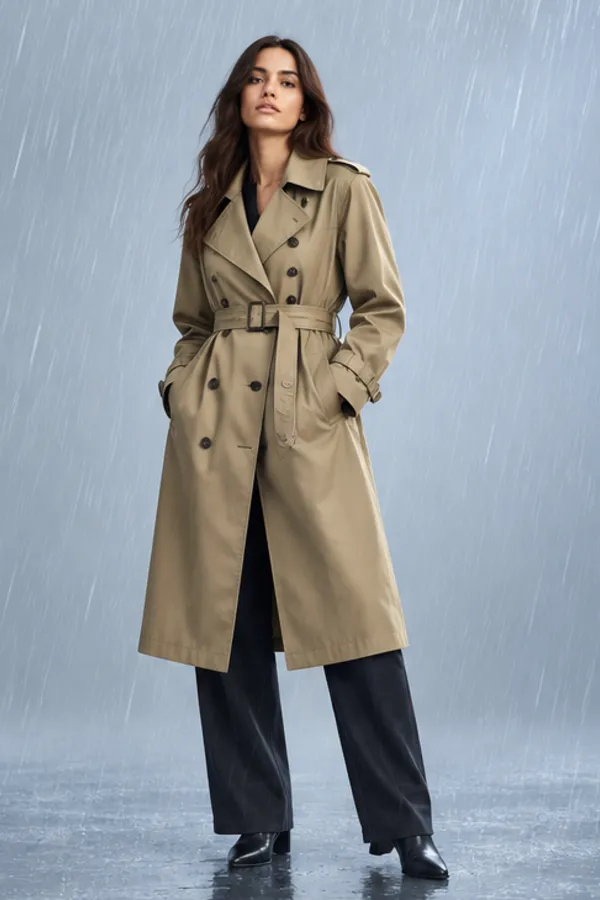
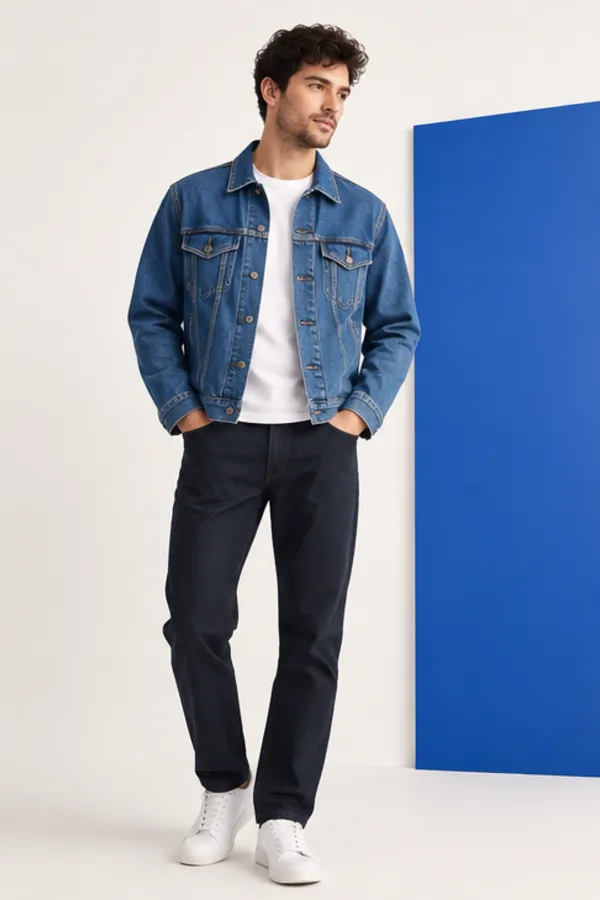
What you can change with the AI clothes changer
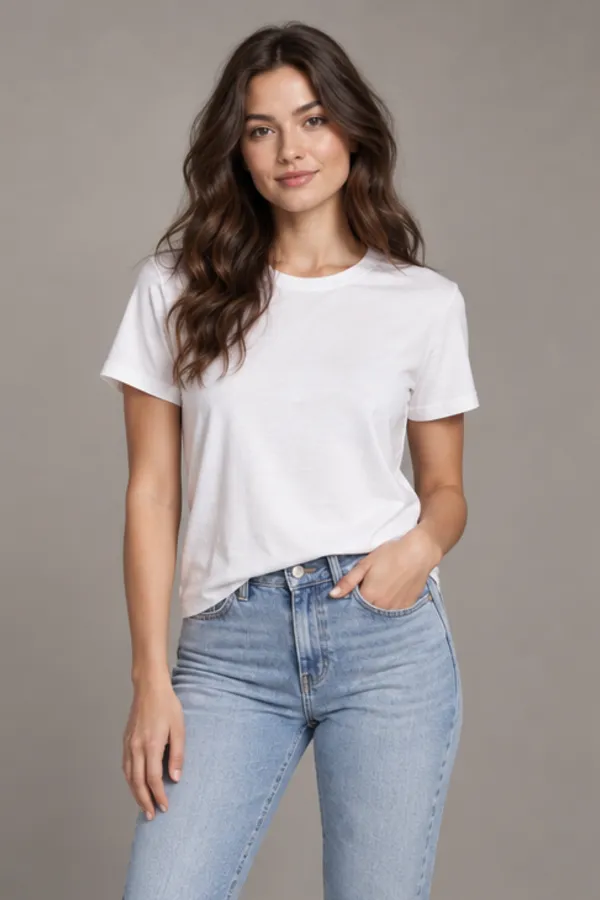
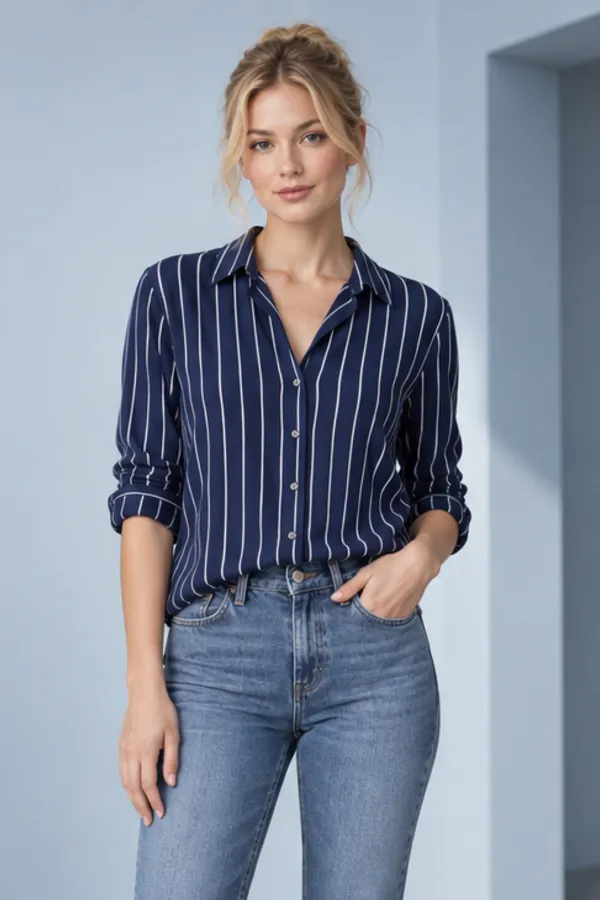
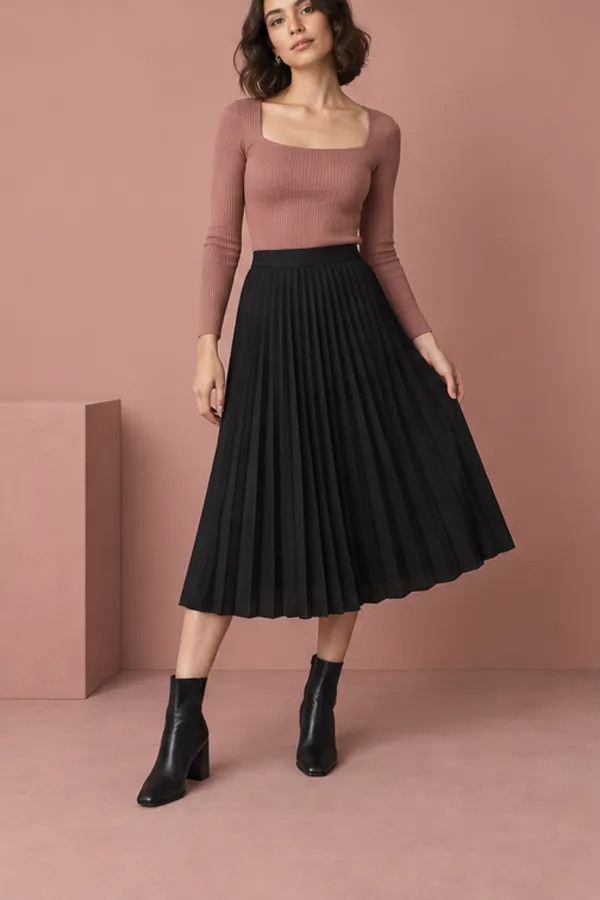
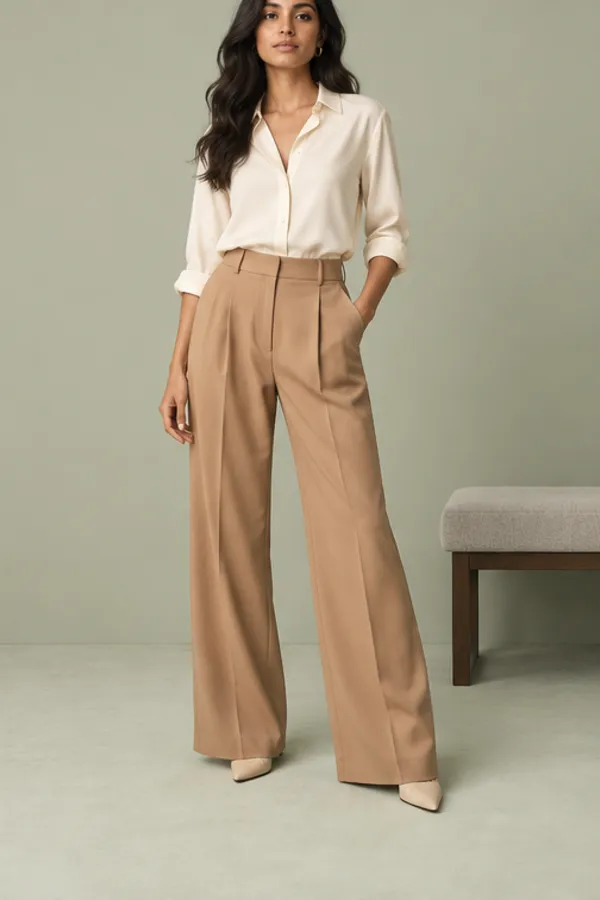
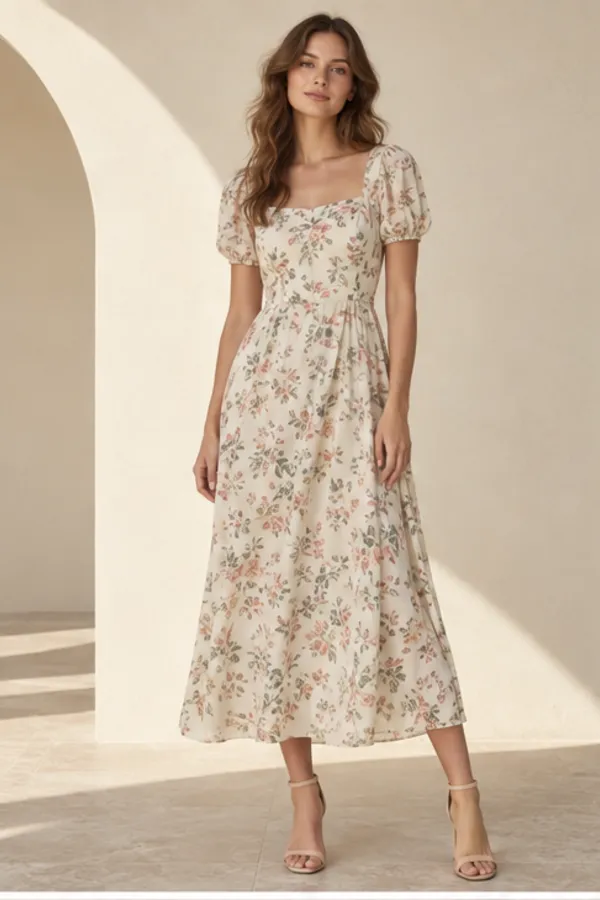
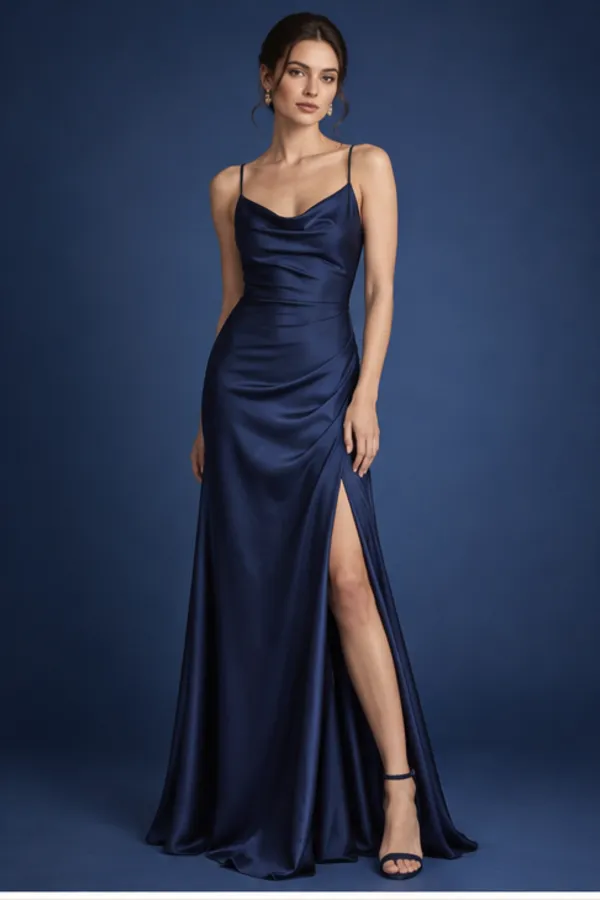
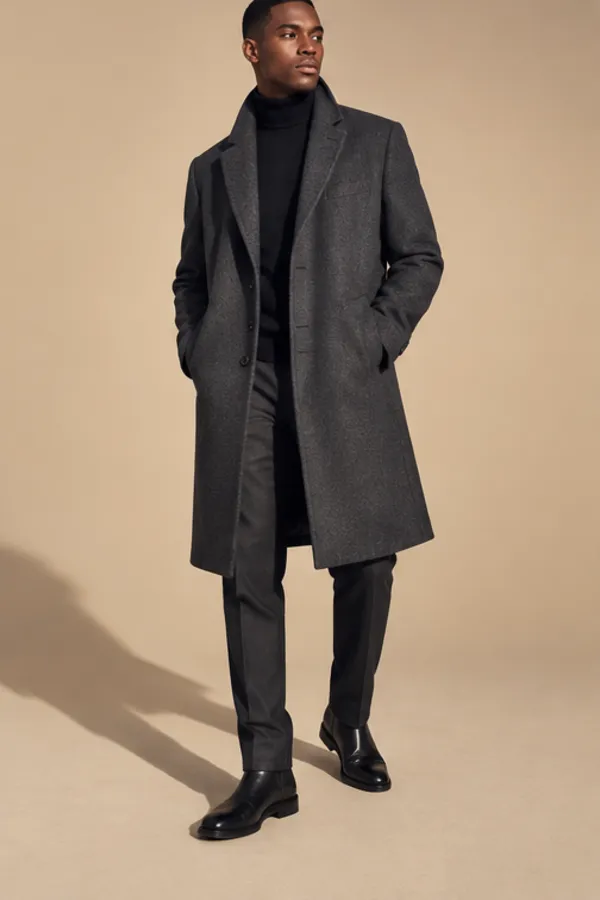
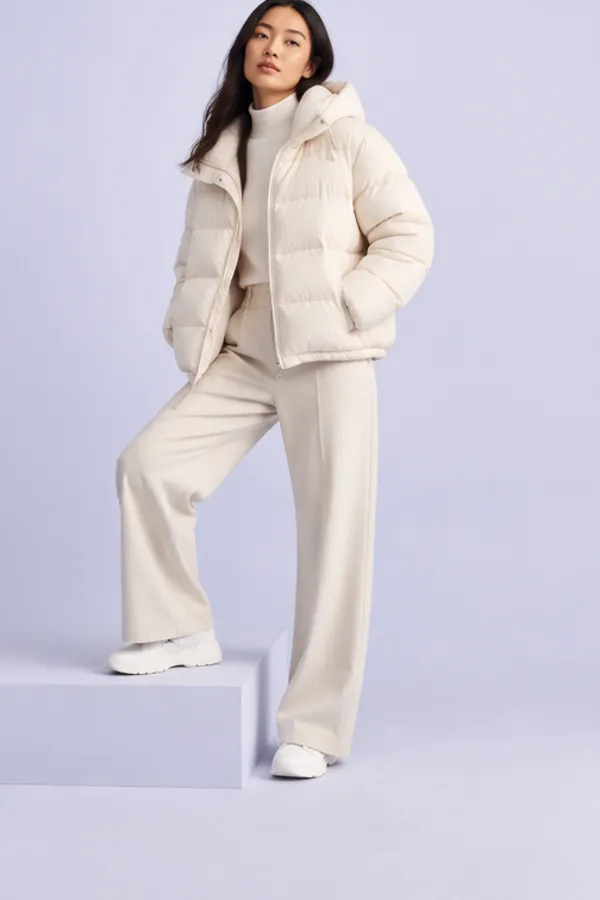
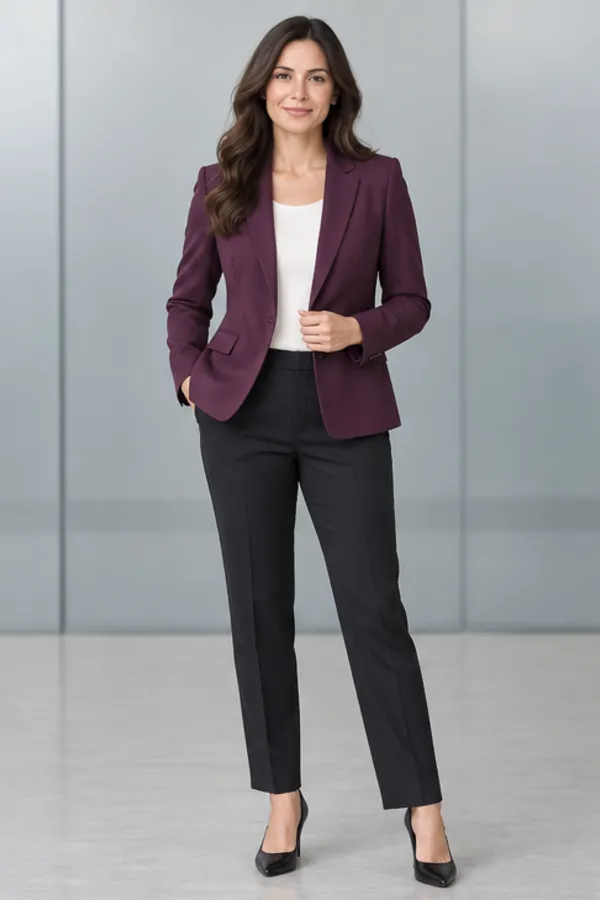
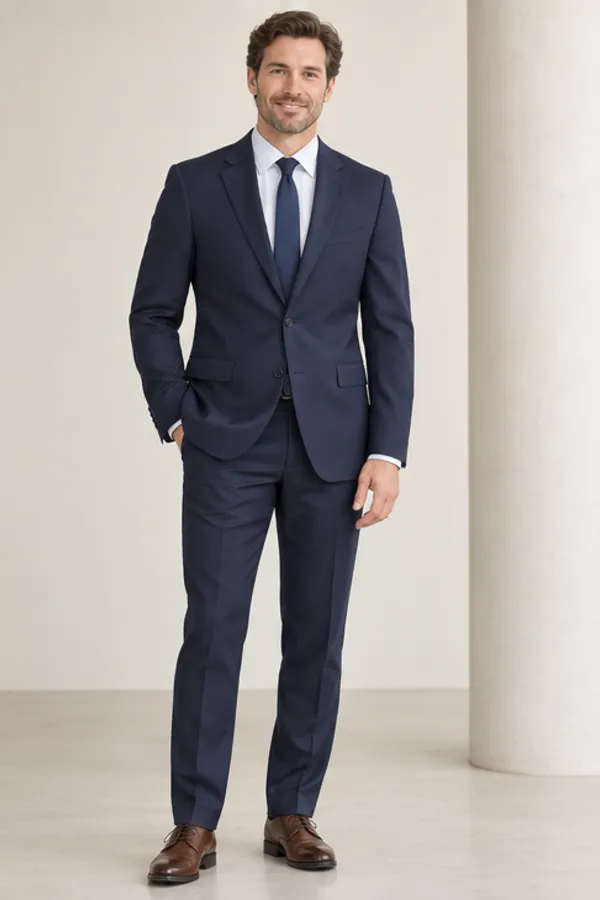
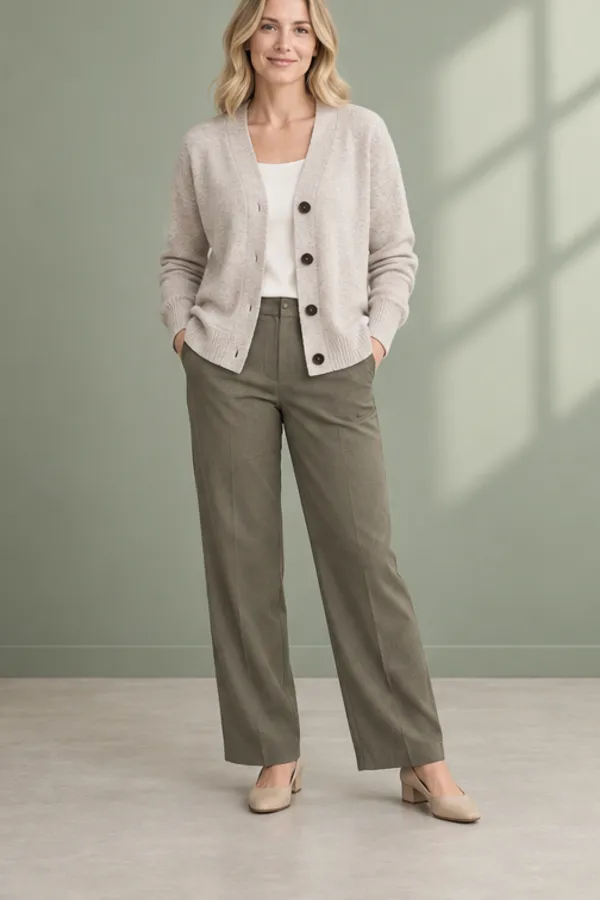
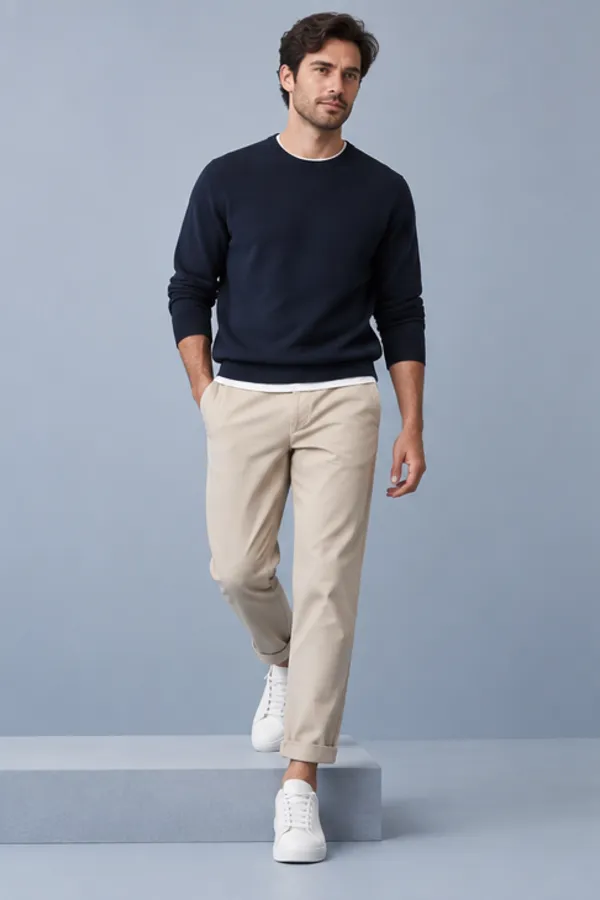
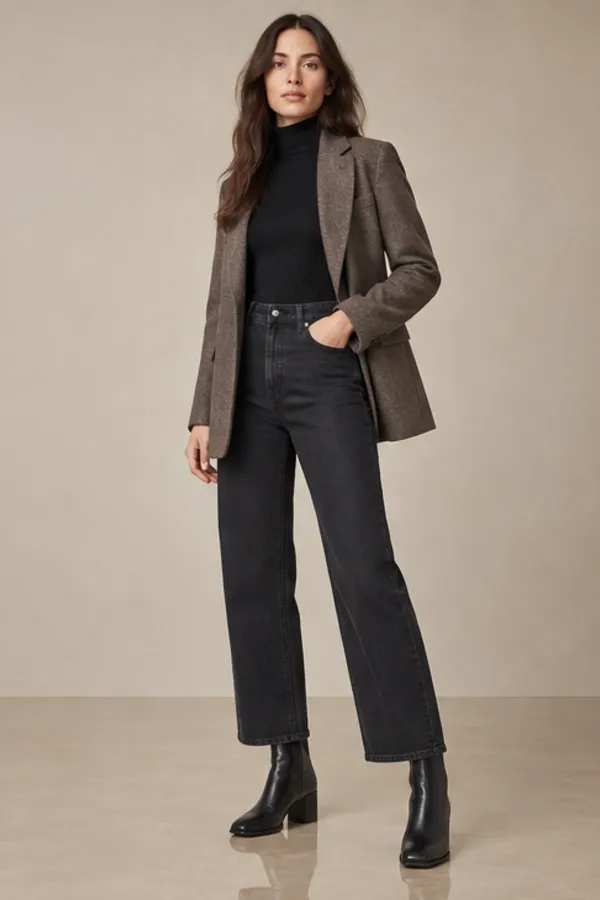
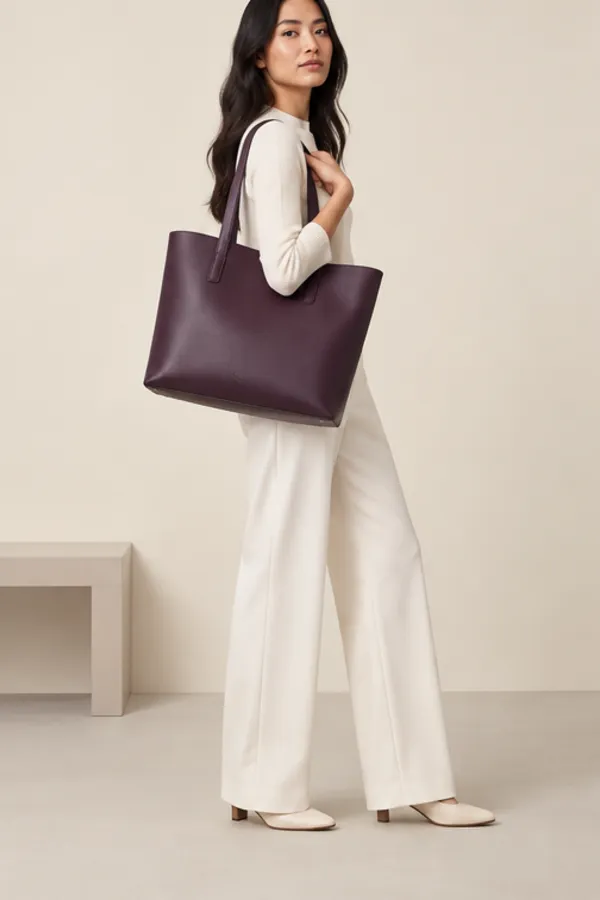
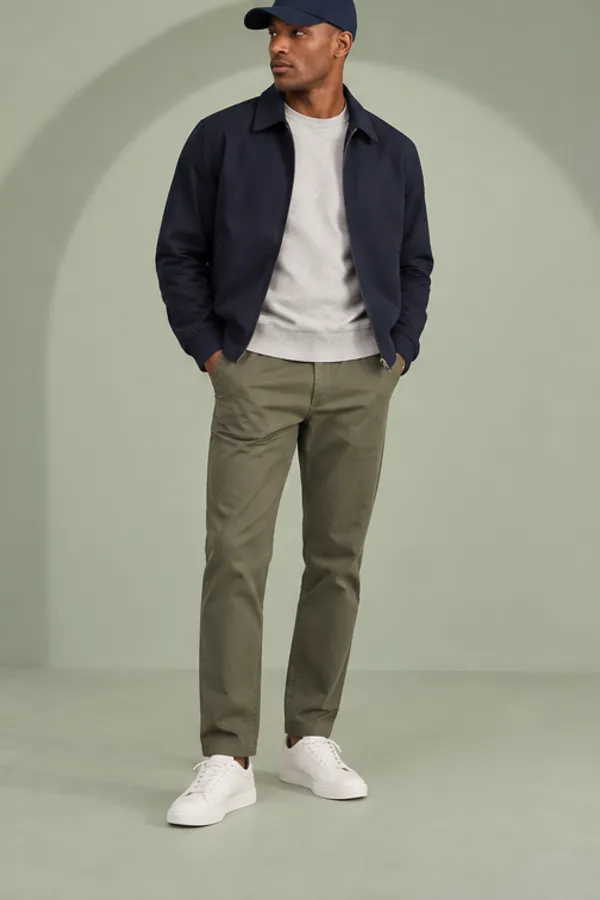
Swap one garment, or up to three pieces as a full outfit, on one person. Everything else in the photo stays as it was.

Why WearTryOn
Why people choose this clothes changer AI
Free to start
Preset models with preset clothing are free and unlimited, and you get one free try with your own photo every day, no account needed.
Private by default
Uploads and results are visible only to you and are deleted automatically. Nothing is posted to a public gallery.
Clothing-only, by design
Every photo and every result is checked. WearTryOn swaps clothing for clothing, and anything else is refused.
Fast on any device
It runs in the browser on phone, tablet or desktop. Most results arrive in well under a minute.
WearTryOn vs typical clothes changing tools
| WearTryOn | Typical tool | |
|---|---|---|
| Try without uploading a photo | Preset models, unlimited | Upload required |
| Your photos | Private, deleted automatically | Often public by default |
| Color advice | Checked against your color season | Not offered |
| Save and compare looks | Closet and side-by-side | Download only |
| What can be edited | Clothing for clothing only | Varies |
Plans
Start free, go Pro when you need more
Credits work across every WearTryOn tool.
Free
No card, no sign-up to begin
- Unlimited preset try-ons
- One free try a day with your own photo
- Daily check-in credits when you sign in
- Watermarked downloads
Pro
For regular shoppers and sellers
- Monthly credits that roll over
- HD downloads without watermark
- Longer closet and history storage
- Priority queue and commercial use
Tips for better virtual try-on results
- 01Use a photo of one person facing the camera, arms slightly away from the body.
- 02Waist-up is enough for tops; full body works best for trousers, skirts and dresses.
- 03Soft, even light beats harsh shadows or strong color casts.
- 04For the garment, a flat-lay or plain-background product photo gives the model the cleanest input.
- 05Pick the matching category so the right part of the outfit is replaced.
- 06If a logo or fine print comes out soft, switch to the Standard model, which keeps more detail.
AI clothes changer FAQ
Is it free to change clothes online?
Yes. Preset models with preset clothing are free and unlimited, and you get one free try with your own photo each day without signing up. Signing in adds a welcome bonus and daily check-in credits.
Will it change my face or body?
It is built not to. WearTryOn keeps your face, hair, body shape, pose and background, and only the selected garment area is redrawn. If a result drifts, try a clearer photo or the Standard model.
Can I use a photo from an online store?
Yes. Save the product image and upload it as the garment. Plain backgrounds and flat-lay shots give the cleanest results.
Are my photos stored?
Uploads and results are private to you and deleted automatically. If you sign in, you can choose to keep results in your closet.
Is a clothes changer AI the same as virtual try on?
They overlap. A clothes changer AI swaps what someone is wearing in any photo; virtual try on is the shopping side of the same idea, where you check a specific item before buying. WearTryOn does both, for a single garment or a full outfit.
What isn’t supported?
Swimwear and underwear aren’t supported, and photos of minors are refused. Every upload and result is checked, and anything other than a clothing-for-clothing swap is declined without using credits.
See it on you before you buy it
Pick a model and a garment for a free preview, or upload your own photo for today’s free try.
Try clothes online